Using VSCode to connect to Hex
Note that this requires you can successfully connect to Hex with SSH. See this guide on SSH access before continuing.
For newer users, we strongly recommended using the Microsoft Remote Development
extension pack for vscode, as it integrates with your system configuration and shows remote docker instances that you can manage.
Equally the Microsoft Docker extension
provides a level of autocompletion and integration with Dockerfile and docker-compose.yml files, which may make
editing these files easier.
Unfortunately the 'Remote Explorer' does not currently support wildcard .ssh/config host entries, so fails to show these
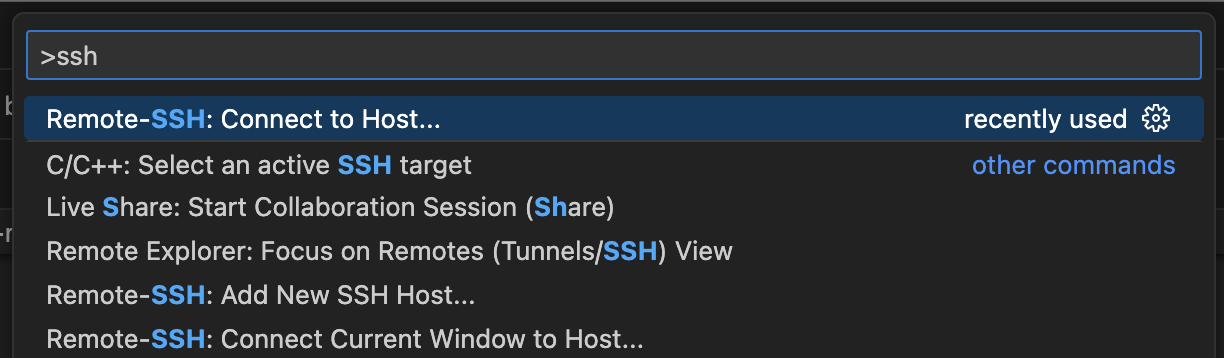
in the list. However it is simple to affect a connection through the Command Palette. This can be accessed with a keyboard
shortcut; this is either:
- Windows/Linux: Ctrl + Shift + P
- Mac: Shift + Command + P
... and typing ssh into the search. This should present the Remote-SSH: Connect to Host option which you can use to enter
any valid host entry.