
Getting BEDE Access.
(add details to step 1)
Step 1: Contact the Lancaster Uni Research Software Engineer for BEDE #
Stephen Mander - s.mander3@lancaster.ac.uk Sam Bland
Step 2: Find emails related to SAFE website login: #
You should receive an email with the subject "Welcome to SAFE" from SAFE Administration It will include links to allow you to setup your login for the SAFE website. This website will allow you to manage a project and get a machine account for BEDE
Step 3: Create a password with the link then complete this registration form #
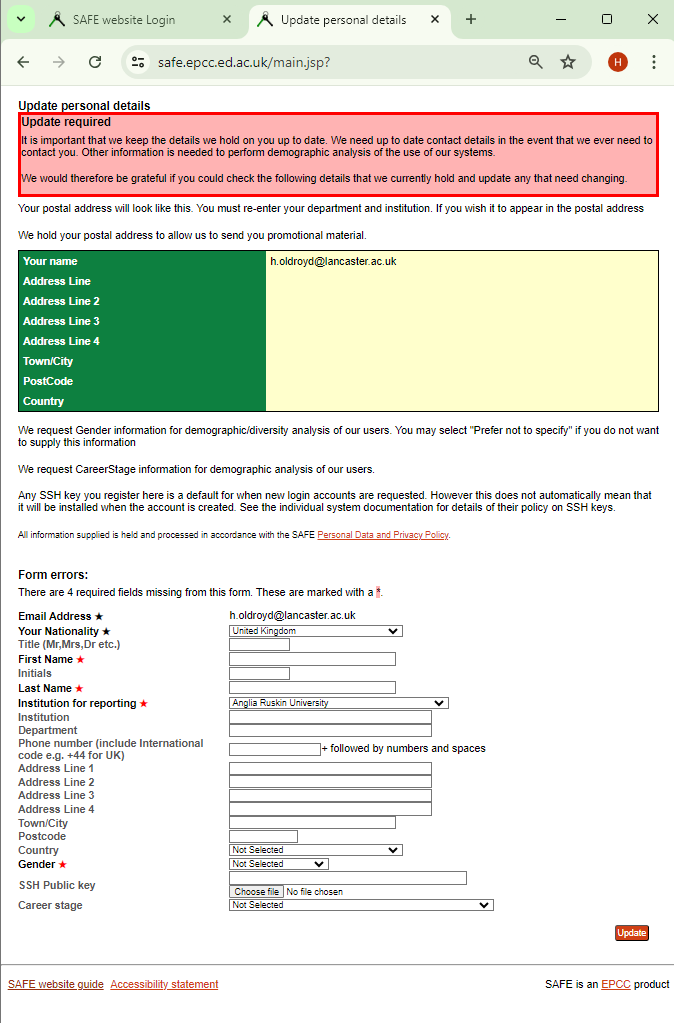
Step 4: Request Machine account #
Go to the project tab in the SAFE website
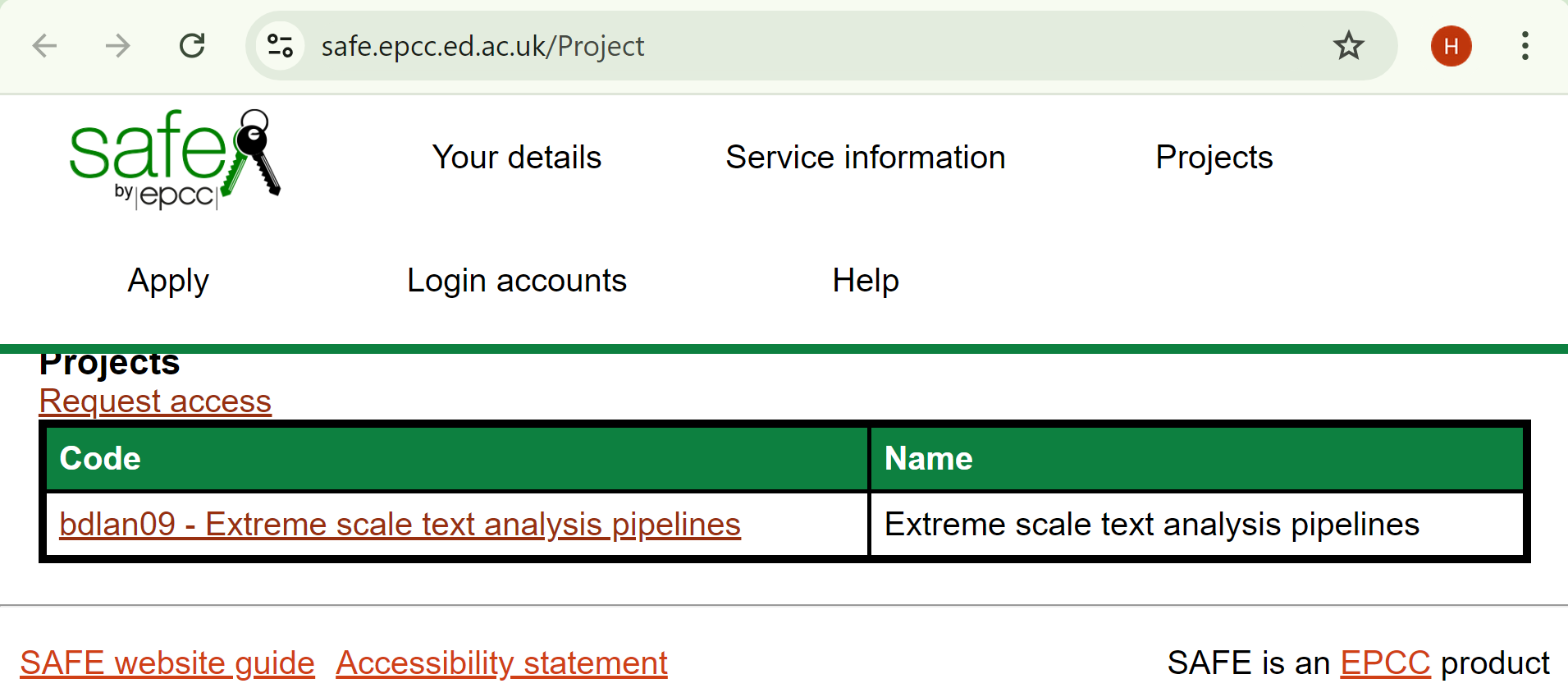 Click on "Request Access"
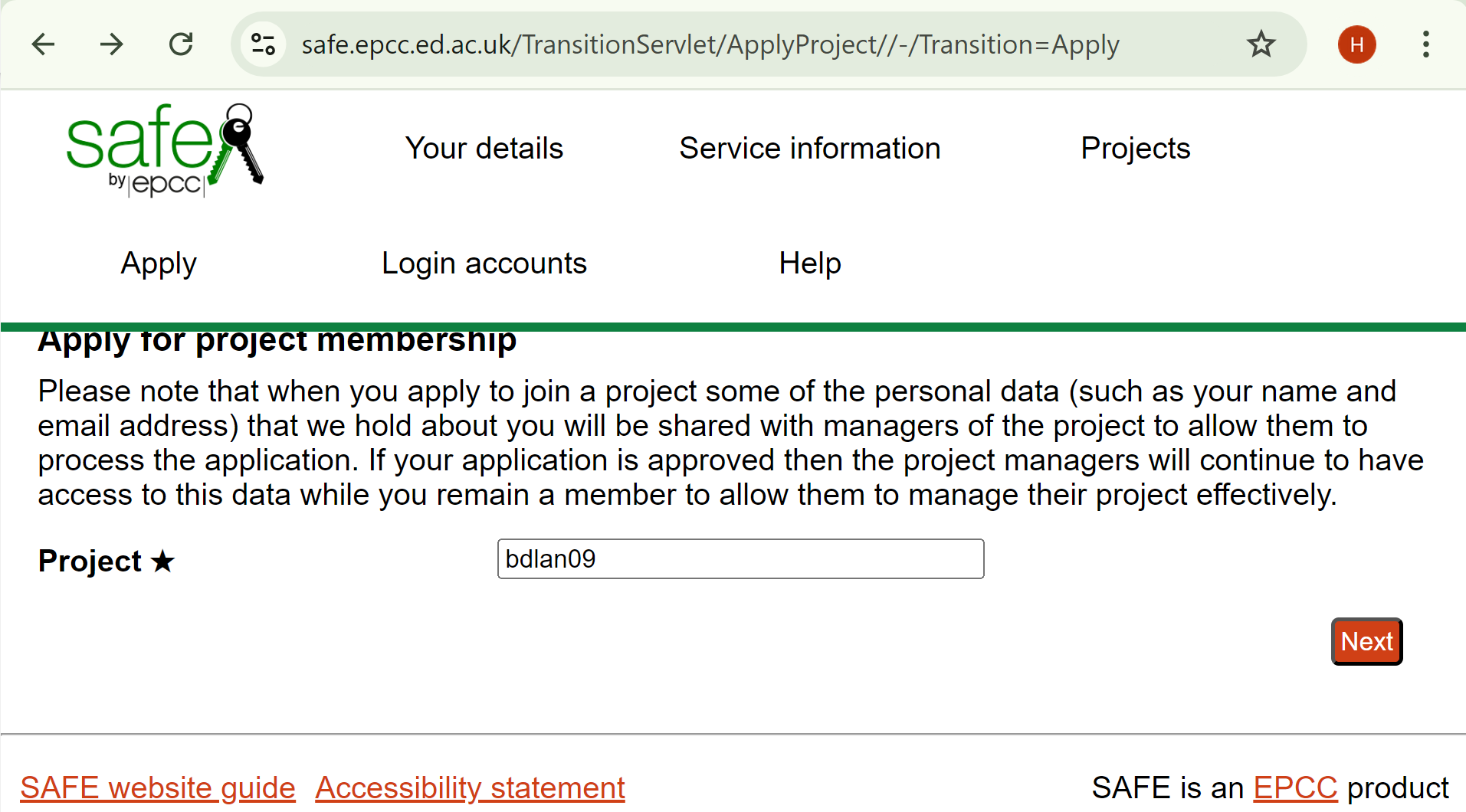 Enter your project code
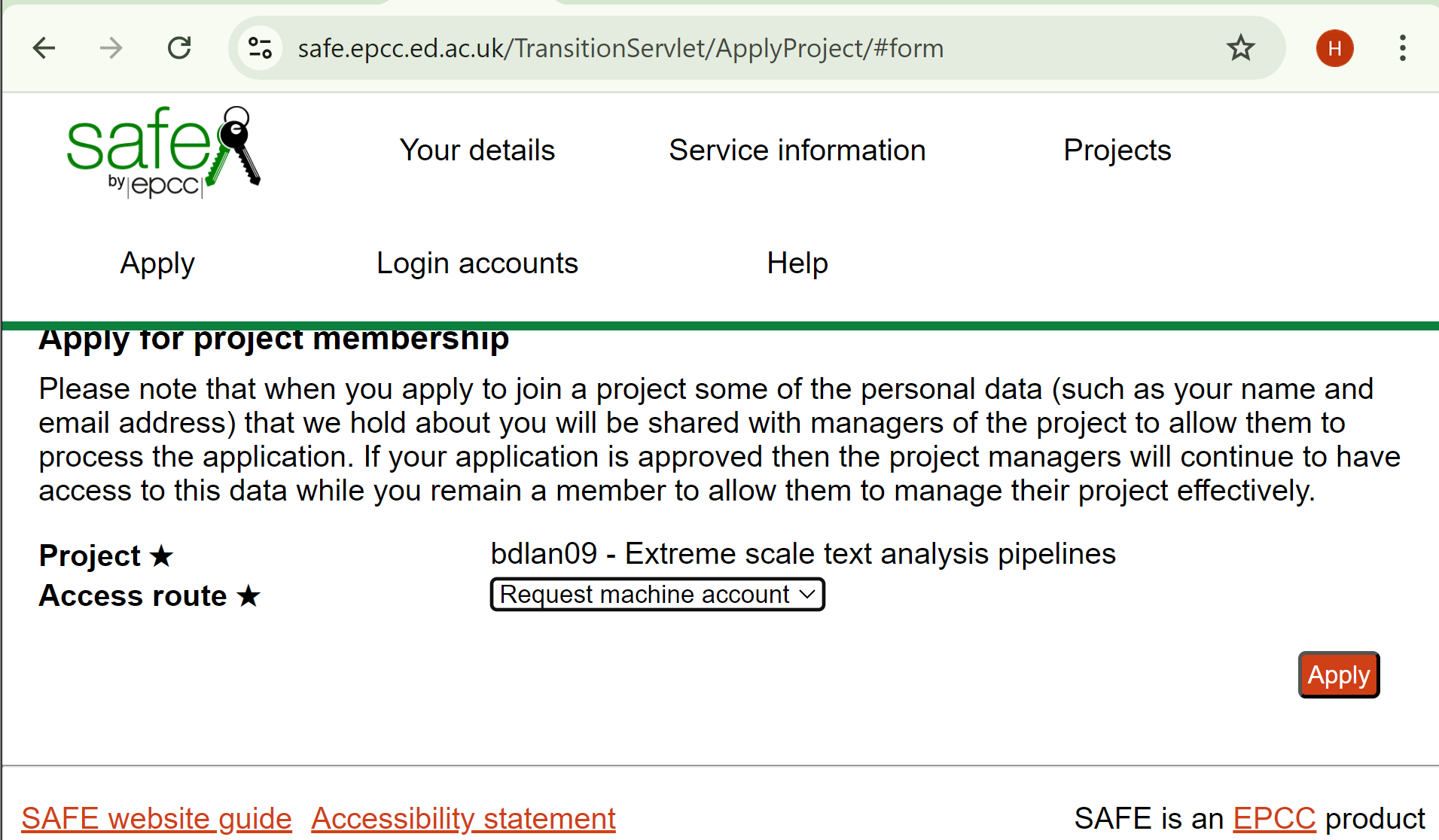 Select "Request machine account" then the row corresponding to BEDE machine account
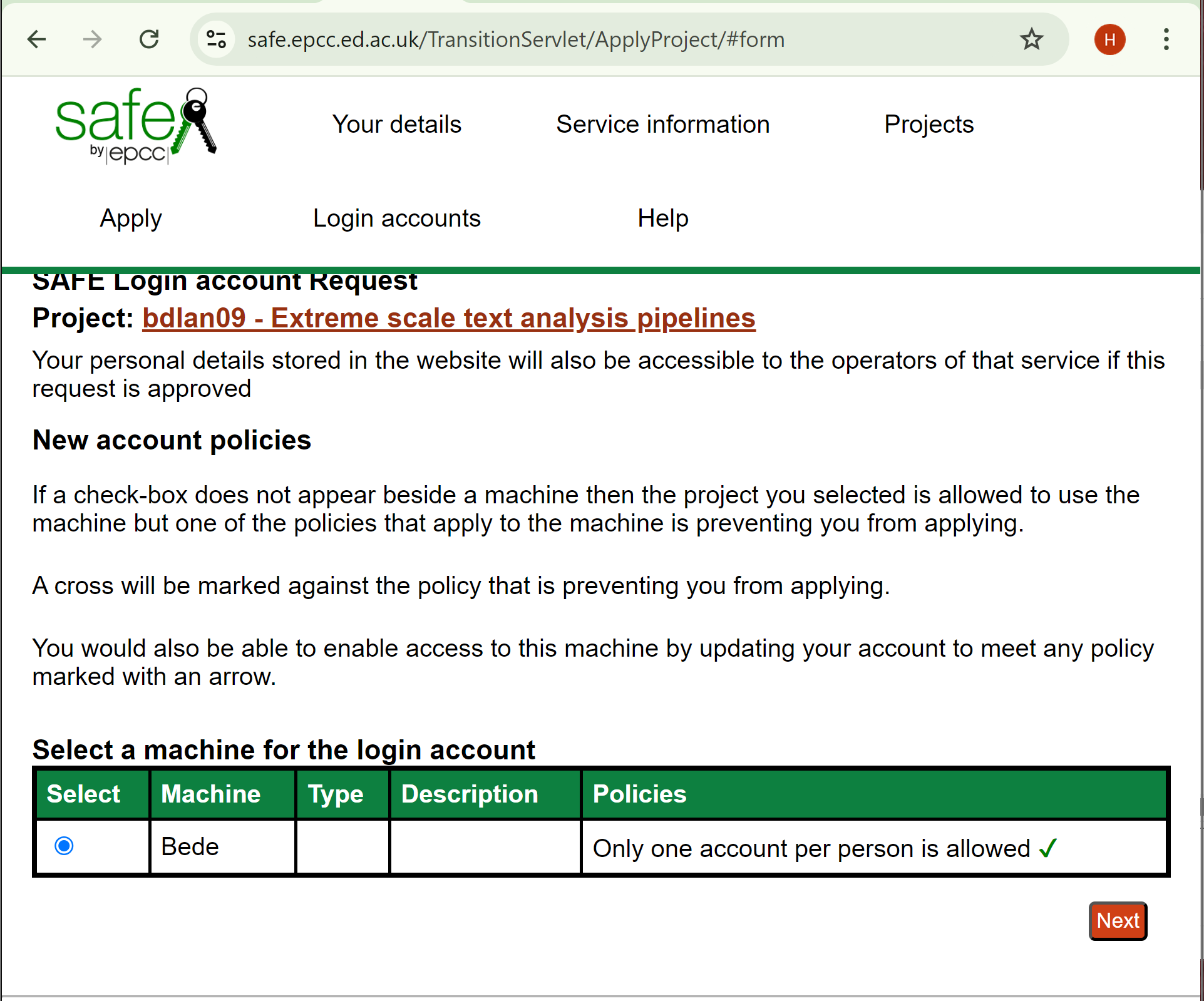
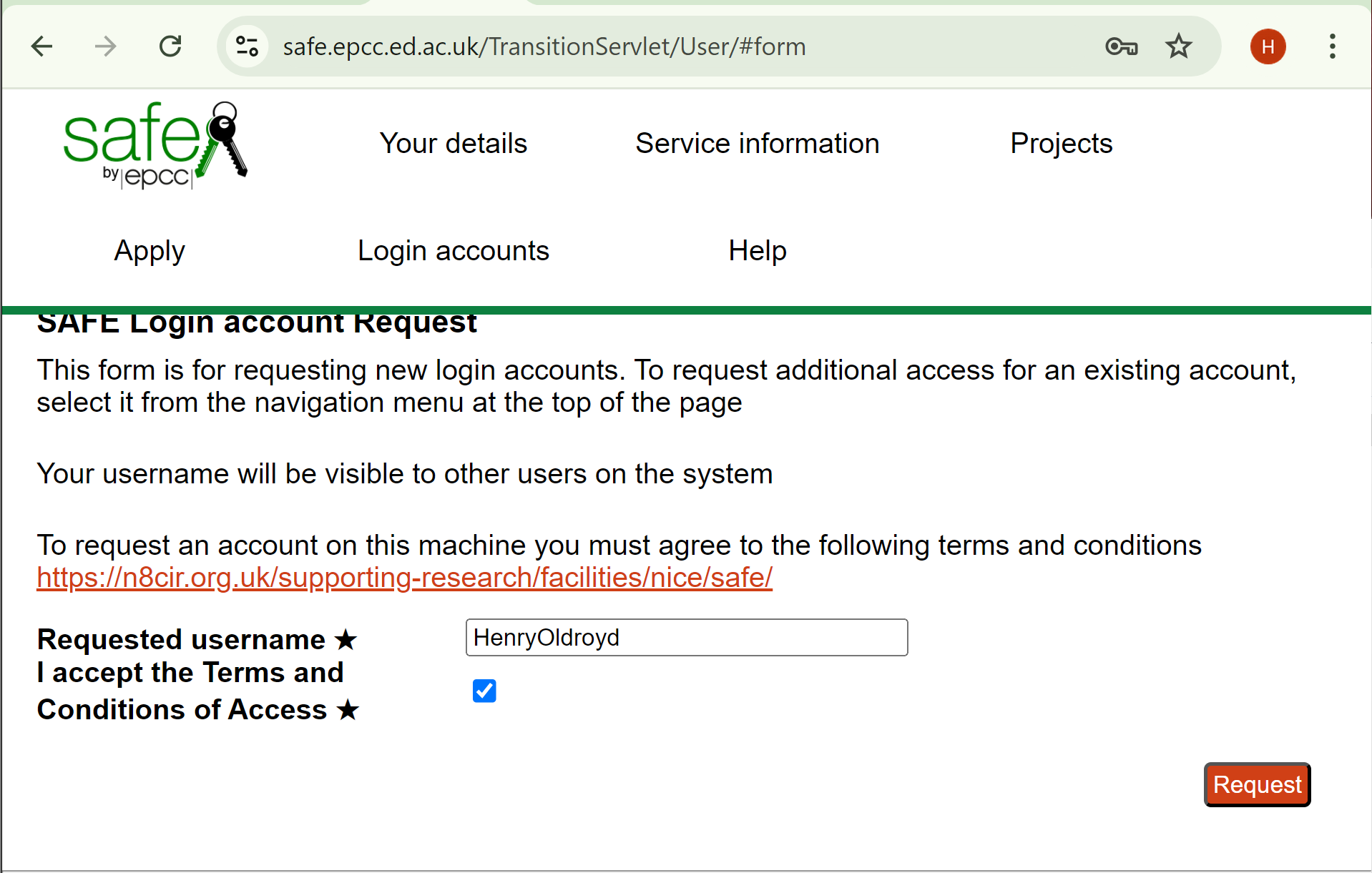 Enter a username and accept terms and conditions
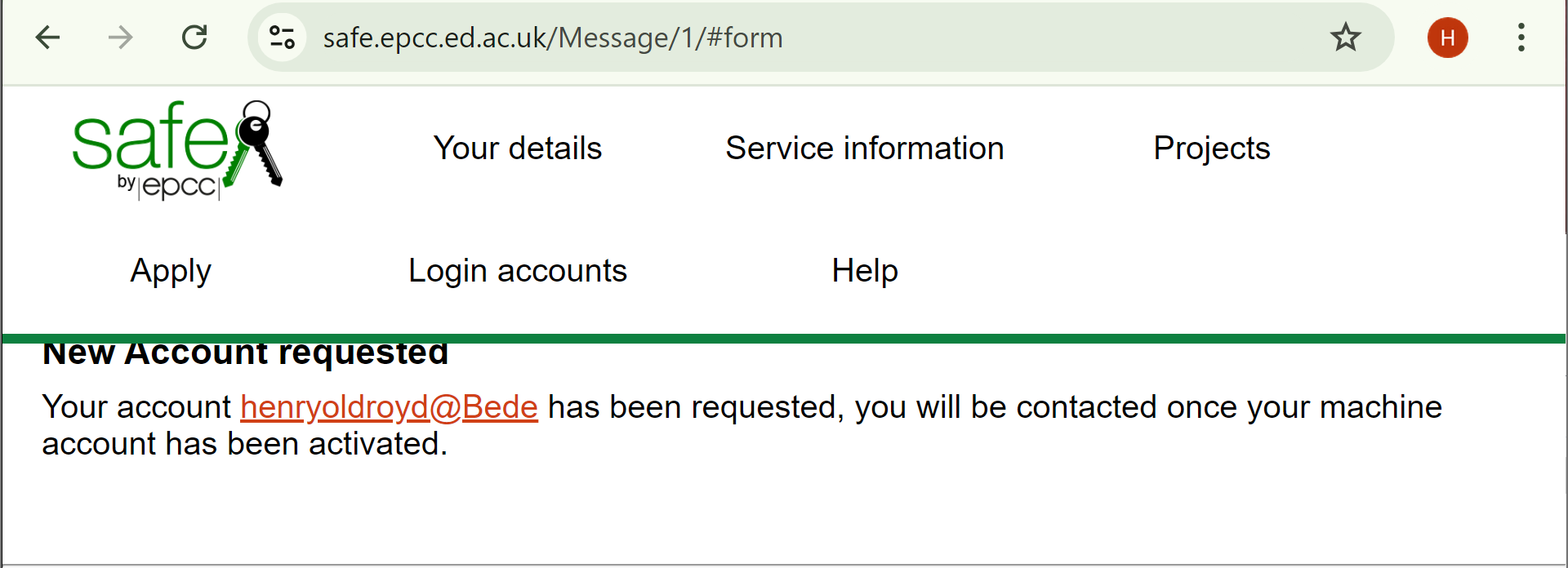 This will complete the process of requesting an account
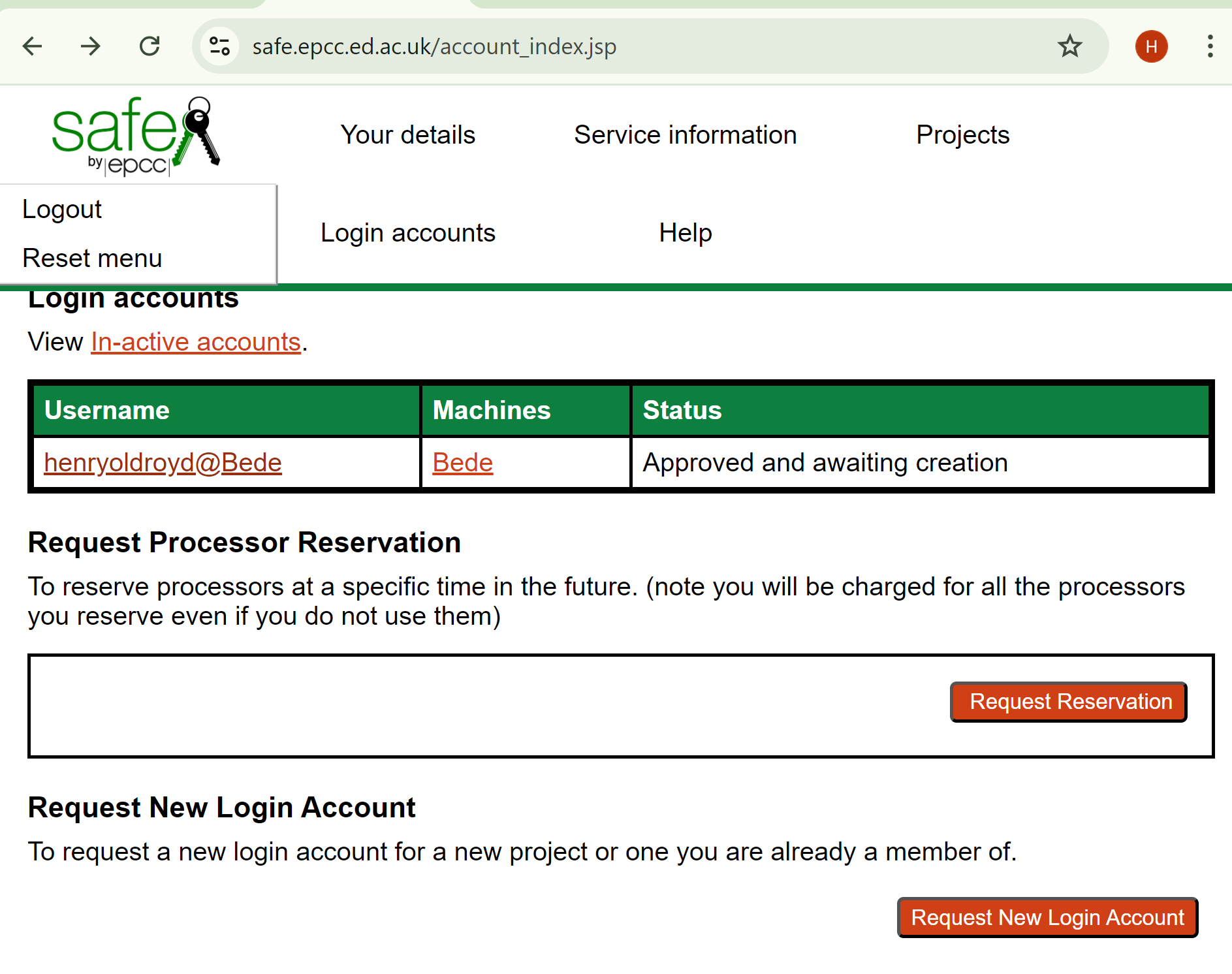 After an email confirming approval your machine account will be created.
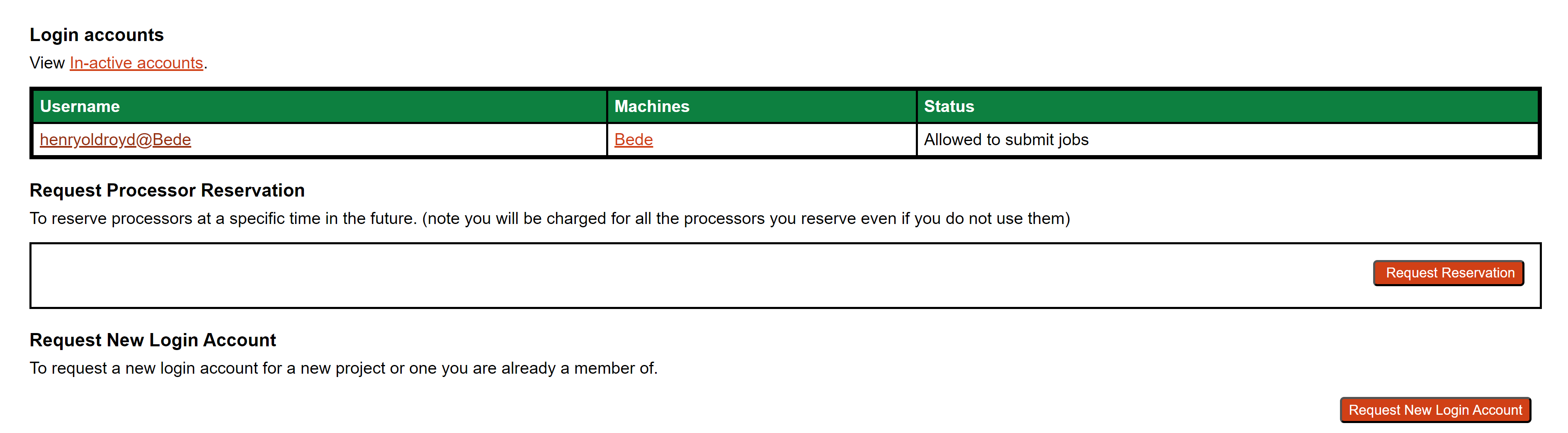 Selecting the Login account option (on the top menu banner) will show you you machine account
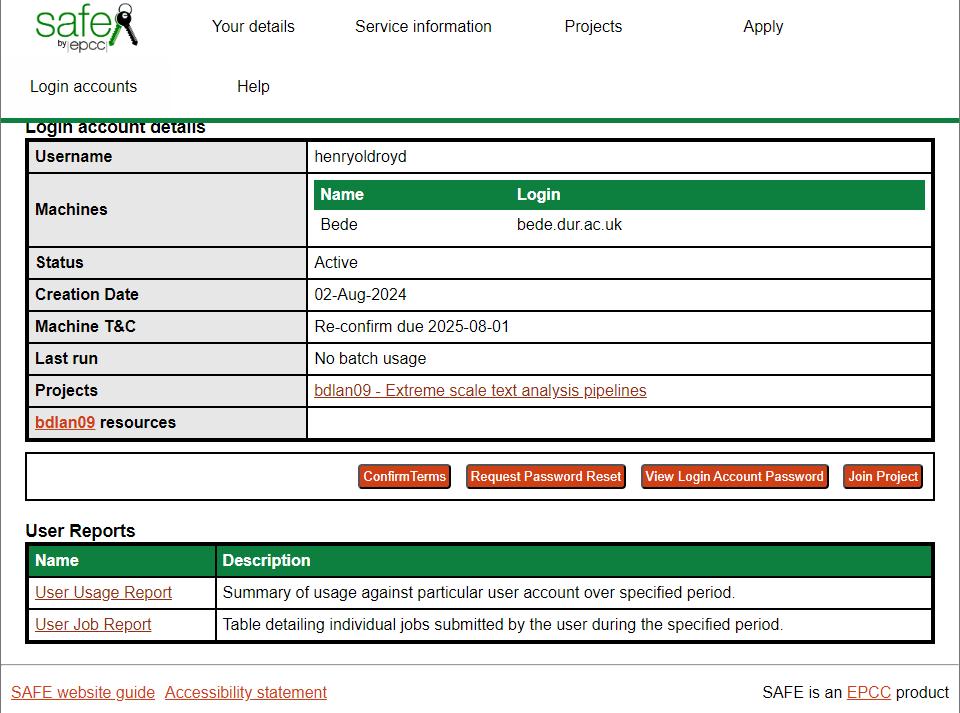 From here you will be able to see and reset your password as well as see usage information.